FoneCare Kochi

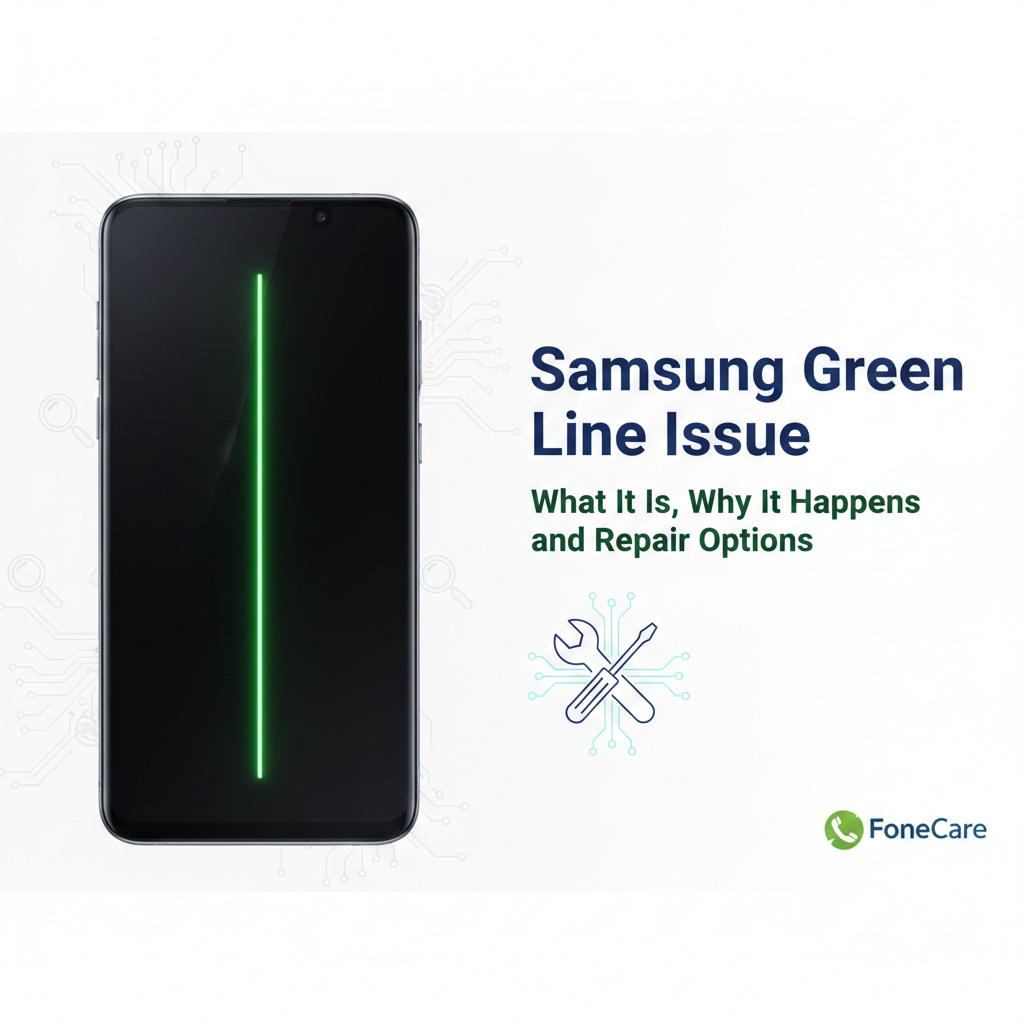
Samsung Green Line Issue: What It Is, Why It Happens, and Repair Options

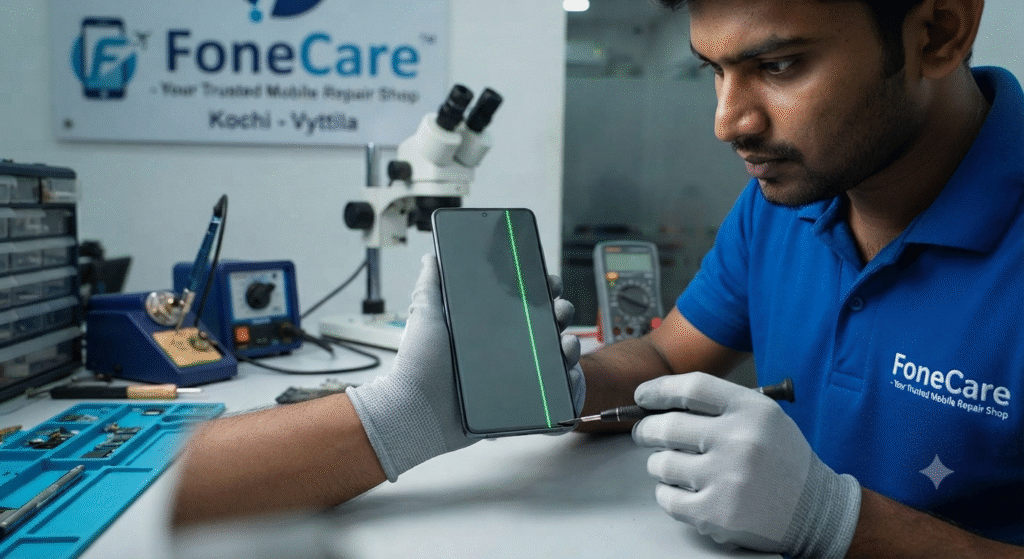
Samsung Green Line Issue: What It Is, Why It Happens, and Repair Options If you’re reading this because a green vertical line appeared on your Samsung phone screen, you’re not alone. This problem has affected multiple Galaxy models and it’s frustrating because it usually means something hardware-related is broken inside the display. In Kochi and across India, many Samsung users have reported this and sought repairs at official and independent centers including FoneCare  Kochi, Samsung repair Kochi, and Samsung service center Kochi. What the Green Line Looks Like The “green line issue” shows up as a thin, vertical green stripe running from the top to the bottom of the display. Sometimes it can be pink or white, but green is the most reported color on Samsung phones with AMOLED screens. Android Authority It’s visible all the time, under all apps and backgrounds once it becomes a hardware fault.    Why the Green Line Appears People sometimes assume this is a software bug, but most evidence points to hardware failure in the display assembly. 1. Display Driver and Pixel Control Malfunction The AMOLED screen has a tiny Display Driver IC (DDIC) that controls columns of pixels. If this chip fails, that entire column can get stuck on a solid color (often green). Faulty pixel addressing inside the panel is the most widely accepted technical cause. TechCartel 2. Connector or Cable Damage Inside every Samsung phone, a flexible ribbon cable (FPC) connects the screen to the motherboard. Small impacts, minor drops, heat expansion, or pressure over time can damage this connector. If the connection weakens, the pixel data doesn’t reach part of the screen correctly, and you see vertical lines. Bengalnest 3. Software Update as a Trigger, Not the Root Cause Many users report the line appearing after a major update. That doesn’t mean the software directly caused the hardware to fail, but heat or changed driver behavior during the update process can expose a latent hardware weakness. Android Authority+1 4. Panel Aging, Heat and Environmental Stress AMOLED displays degrade with use. High brightness, constant gaming, frequent fast charging, and ambient temperature swings accelerate pixel degradation and solder joint stress. Over time this triggers visible faults like green lines. PMSLTech Guide 5. Manufacturing Defects Some batches of Galaxy screens are simply more prone to early failure. Samsung publicly acknowledged green line problems with certain S20, Note20, and S21 devices in India and offered one-time screen replacements to affected customers. Common Misunderstandings Software fixes don’t reliably solve it. Restarting, safe mode, or even resetting can rule out software causes but won’t remove the hardware line. Android Authority DIY fixes and tricks are ineffective and risky. Advice like heating the phone with a flame or applying pressure has no scientific backing and can damage batteries or worsen the failure. Android Authority How to Diagnose Before You Repair Restart and Safe Mode If the line stays after a restart and in safe mode, it’s almost certainly hardware.  Screen Test and External Display Some built-in diagnostics (or connecting to an external monitor) can help confirm the hardware fault.  Check for Recent Drops or Pressure Even if you don’t see cracks, bending or impacts can damage the screen connector.  Repair Options Explained 1. Visit an Official Samsung Service Center If your phone is within the Samsung support program for green line issues, you may get a free display replacement or good-will fix, even if it’s out of warranty. This was widely offered in India for select models, so always check with your Samsung service center Kochi first. Use the Samsung Members app or Samsung’s official site to book an appointment. A service center can also check if your device qualifies under any extended program. 2. Full Display Replacement This is the most common, permanent fix when the panel or DDIC is damaged. It involves replacing the entire screen assembly. This is the recommended repair when the green line persists after software checks. 3. Connector Reseat or Board-Level Inspection Experienced technicians (like those at FoneCare Kochi) can open the device, inspect the display connector, and reseat or clean it. In some cases this resolves the line if the panel itself is fine. 4. Board-Level Repair If the mainboard or data path ICs are faulty, display replacement alone won’t help. Board-level micro-soldering may be needed. This is more complex and only worth it on higher-value devices. Why Choosing the Right Repair Matters Cheap, low-quality screen replacements often use inferior AMOLED panels with poor color accuracy, low brightness, and limited lifespan. Trust a reputable repair provider like Fone Care or an authorized Samsung repair Kochi location to ensure you get genuine parts and professional service. At FoneCare in Kochi we diagnose display issues accurately, confirm whether it’s a connector fault or panel failure, and advise the most cost-effective repair path. If the connector can be fixed without a full screen change, that’s often cheaper. If the panel is bad, we replace it with a high-quality original part and calibrate it properly. Cost and Turnaround (Realistic) Costs vary by model and warranty status. Flagship Galaxy screens cost more to replace. Independent shops may be cheaper, but quality matters. Official Samsung repair Kochi may be pricier but gives assurance of genuine parts. Turnaround can be same-day or several days depending on part availability. Final Take The green line isn’t a harmless software glitch. Most of the time it means hardware damage inside the AMOLED panel or its connection, and it won’t go away on its own. A professional repair at Fone Care Kochi or Samsung service center Kochi is the only reliable way to fix it permanently. Before you spend money, do these two quick checks: Restart and use safe mode to rule out software triggers.  Photograph the issue to document it for service center claims.  Once it’s confirmed hardware, don’t delay repairs or the fault can spread, potentially leading to larger display failure.  

Samsung Green Line Issue: What It Is, Why It Happens, and Repair Options Read More »

Screen Broken but Touch Works – Repair or Replace at FoneCare?

Screen Broken but Touch Works – Repair or Replace at FoneCare?   A cracked screen with working touch confuses most users. At FoneCare, this is one of the most common mobile repair questions we handle daily in Kochi. Many assume the phone is still fine and delay repair. That decision often makes the problem worse and more expensive. Here is the straight answer, based on real repair cases at FoneCare in Kochi. What It Actually Means When Touch Still Works If touch works, the digitizer layer is functioning. The glass or display layer is damaged. That does not mean the phone is safe to use. Modern displays are layered units: Outer glass for protection Display panel (LCD or OLED) Touch digitizer Once the glass cracks, pressure, dust, or moisture can damage the display panel next. That turns a simple repair into a full replacement. When You Should Repair Immediately Repair the screen without delay if you notice any of the following: Sharp glass edges Black spots or lines appearing Flickering or dim display Screen heating faster than usual Moisture or dust entering through cracks Delaying repairs here is not saving money. It is gambling with the motherboard and internal components. When Replacement Is the Smarter Choice Replacement is recommended when: Display has dead pixels or discoloration OLED bleed or green lines are visible Touch starts failing intermittently The phone has already been repaired before In these cases, partial fixes do not last. Full display replacement gives stability and resale value. Repair vs Replace – Cost Reality Many users delay repair thinking replacement is expensive. The truth: Early repair costs less Continued use increases damage Secondary failures raise total cost At FoneCare, we inspect the screen layers first. If repair is technically safe, we suggest it. If replacement is unavoidable, we explain why. No guesswork, no upselling. Risks of Using a Cracked Screen Ignoring a broken screen leads to: Touch failure over time Display blackout Battery drain due to short circuits Injury from broken glass Permanent motherboard damage We regularly see phones that could have been fixed cheaply but ended up needing chip-level repair. Original vs Compatible Displays – What Matters A cheaper display is not always a bad choice, but quality matters. At FoneCare, we offer: Original displays for maximum clarity High-quality compatible displays tested in-house We do not install low-grade panels that ruin brightness, touch response, or battery life. Our Honest Recommendation If your screen is cracked but touch works: Do not ignore it Get it inspected immediately Decide based on internal damage, not assumptions Most inspections take a few minutes. Many repairs are completed within 30 minutes. Get Your Screen Checked at FoneCare Mobile Service Center FoneCare  is a trusted mobile servicing center in Vyttila, Kochi. We handle iPhone and Android screen repairs, replacements, and chip-level issues under one roof. 📍 Location: Vyttila, Kochi 📞 WhatsApp: 919037445533 🌐 Website: fonecaremobileservices.in If the screen is broken, waiting is the worst decision. Get it checked before the damage spreads.

Screen Broken but Touch Works – Repair or Replace at FoneCare? Read More »

How to Prepare Your Device Before Bringing It to FoneCare for Repair

How to Prepare Your Device Before Bringing It to FoneCare for Repair Customers often walk into FoneCare  with a damaged phone expecting an instant fix. We can usually deliver that, but the repair becomes faster and safer when the device arrives properly prepared. Most delays start with locked accounts, missing details, or accessories that block inspection. A little preparation on your side helps our technicians diagnose the issue accurately and complete the job without avoidable interruptions. The first thing you should do is secure your data. Even though FoneCare  handles devices carefully, a phone with deep hardware faults can reset or malfunction during testing. Back up your photos, contacts, and files to iCloud, Google Drive, or a computer. If the phone is dead or stuck on the logo, skip the backup and simply tell us so we know what we are dealing with. Removing cases, covers, and screen guards is more important than people think. These accessories hide frame bends, dents, and cracks and often break when removed in a hurry. When the device arrives bare, we can inspect it immediately and start diagnostics without wasting time. If the phone can turn on, charge it to at least twenty or thirty percent. It helps us test sound, touch, network, and battery behaviour without waiting for a charge. Signing out of your major accounts, such as iCloud, Google, and Samsung, prevents activation lock issues later. If the repair requires a reset or software check, these locks can block progress. Disable your screen lock or set a temporary PIN as well. We need access to test cameras, sensors, apps, and basic functions after the repair. A locked device slows the entire process. Remove your SIM and memory card before you leave home. These small components are easy to misplace, and keeping them with you is safer. Take a moment to write down the exact problem you are facing. Customers often forget smaller details once they reach the shop, like when the issue started, how often it appears, or what triggers it. This information helps us diagnose the fault quickly instead of guessing. A basic cleaning helps too. Wiping off dust, moisture, or stains makes cracks, dents, and water marks easier to identify. It avoids confusion later about what was old damage and what was new. If your device is still under warranty, bring the bill or warranty card so we can check eligibility immediately. Preparing your phone before you bring it to FoneCare saves time for both sides. It reduces confusion, avoids delays, and helps us deliver accurate repairs faster. A few minutes of preparation at home can turn a difficult repair into a smooth one. If you need help at any stage, our team at FoneCare, Vyttila, Kochi, is always ready to guide you.

How to Prepare Your Device Before Bringing It to FoneCare for Repair Read More »

iPhone Repair in Kochi, Why Skilled Technicians Matter More Than Cheap Service

iPhone Repair in Kochi, Why Skilled Technicians Matter More Than Cheap Service When people look for iPhone repair in Kochi, most end up comparing prices instead of skill. That is the biggest mistake. Cheap service looks good for a moment, then starts costing you more when the phone develops new issues. If you want the device to survive, the technician’s ability matters far more than the discount. This is exactly why FoneCare stands out in Kochi and Vyttila. Cheap Repairs Fail Because the Work Is Amateur Shops that advertise “lowest price” usually depend on reused displays, weak batteries, uncalibrated tools, and shortcuts. Most of these repairs fail within weeks. The bigger risk is the technician. Poor handling damages flex cables, breaks sensors, messes up Face ID, or leaves screws loose. You save a little today and end up killing a device worth tens of thousands. FoneCare avoids this nonsense. Every repair is done with proper tools, controlled heat, anti-static precautions, and actual technical skill, not guesswork. iPhones Are Built Tight, and Only Skilled Hands Can Work on Them iPhones are not friendly to trial-and-error repairs. They have compact boards, sensitive sensors, secure ICs, and tight internal layouts. One wrong pull or wrong temperature setting can create irreversible damage. This is why FoneCare invests in trained technicians who understand engineering. They identify the real failure instead of randomly changing parts. You get clarity instead of confusion. Chip-Level Work Separates FoneCare From Ordinary Shops Many shops in Kochi can replace screens. Very few can repair the board. This is where FoneCare pulls ahead. Power IC issues, charging IC faults, audio IC problems, baseband failures, dead-phone recovery, and liquid-damage repairs are all handled in-house. No outsourcing, no lies, no delay. Skilled chip-level technicians save the customer money because they fix the real cause rather than swapping half the phone blindly. Quality Parts and Methodical Work Keep the Phone Stable Low-cost shops in Kochi skip the process and rely on whatever parts they can find. That leads to heating, ghost touch, battery drain, and performance drops. FoneCare sticks to genuine or high-grade OEM parts with warranty. The workmanship is clean, consistent, and safe. You get long-term stability instead of temporary relief. Why This Matters for Anyone in Kochi You have two options: Pay less now and deal with constant breakdowns. Or pay the right amount once and get peace of mind. Skilled technicians protect your device, your data, and your money. FoneCare’s process-driven repair model exists for that exact reason. The Bottom Line If your goal is to get your iPhone repaired correctly the first time, you need skill, not discount boards. FoneCare wins in Kochi because the team follows real technical discipline, uses the right parts, and handles even complex faults without shortcuts.

iPhone Repair in Kochi, Why Skilled Technicians Matter More Than Cheap Service Read More »