Beyond the Surface: Why Expert Chip-Level Mobile Repair is the Smartest Choice for Your Smartphone in Kochi
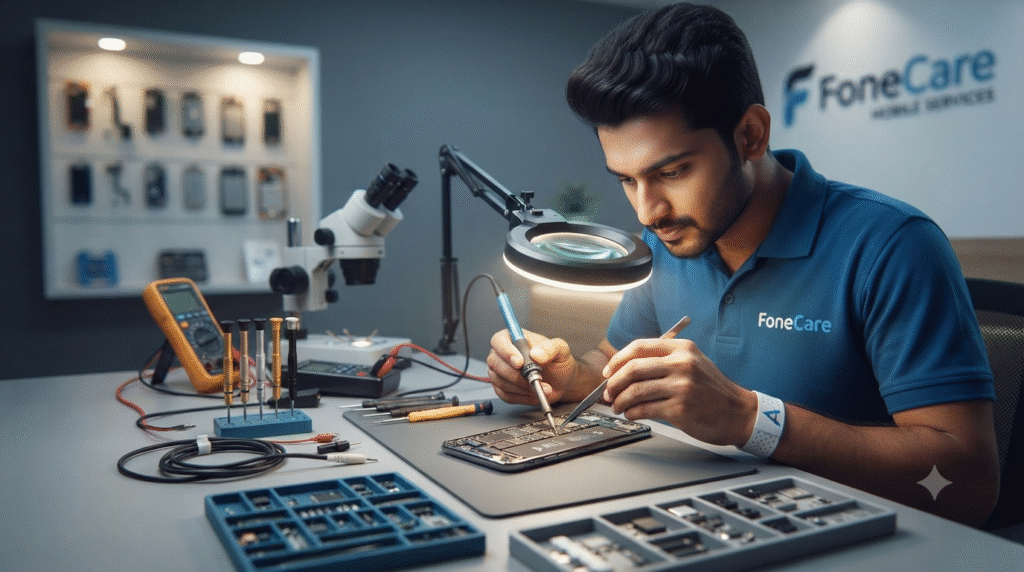
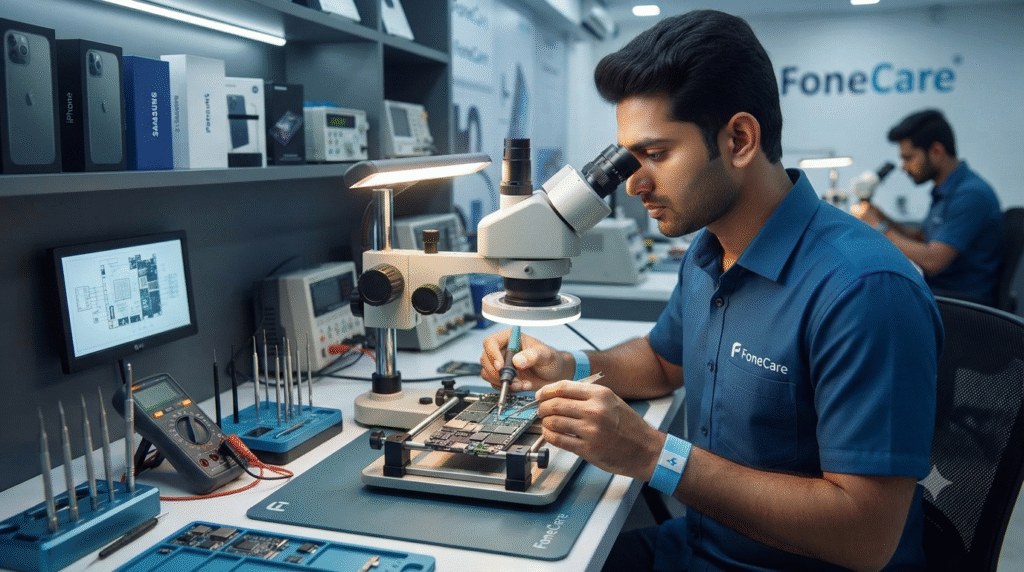
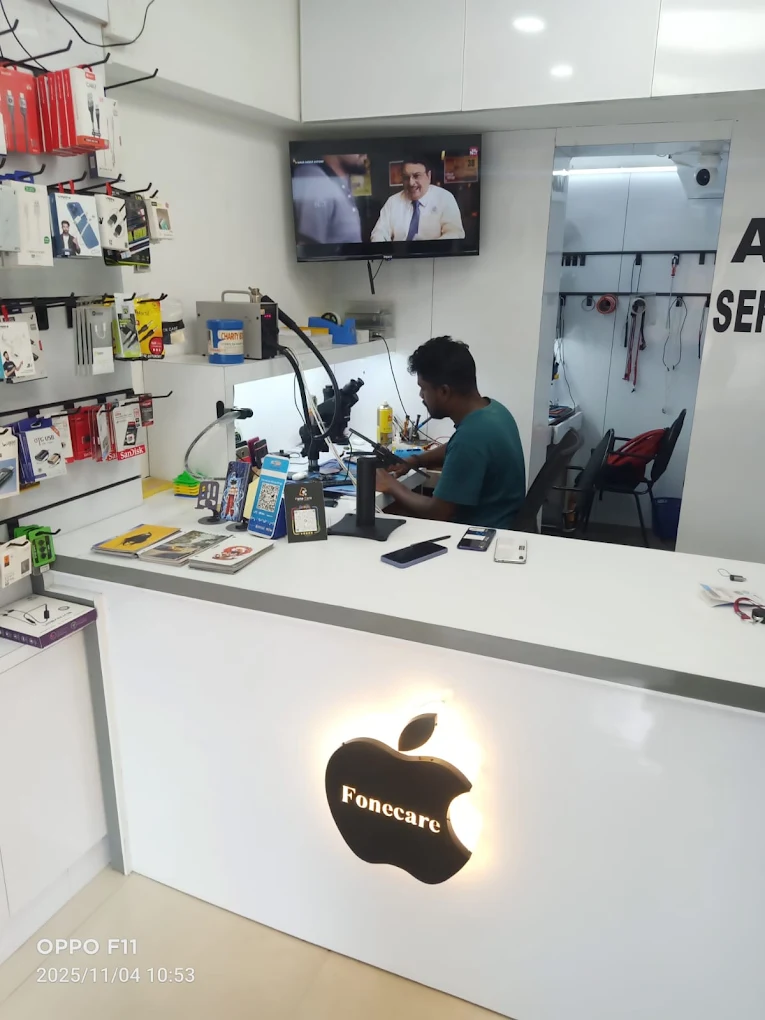
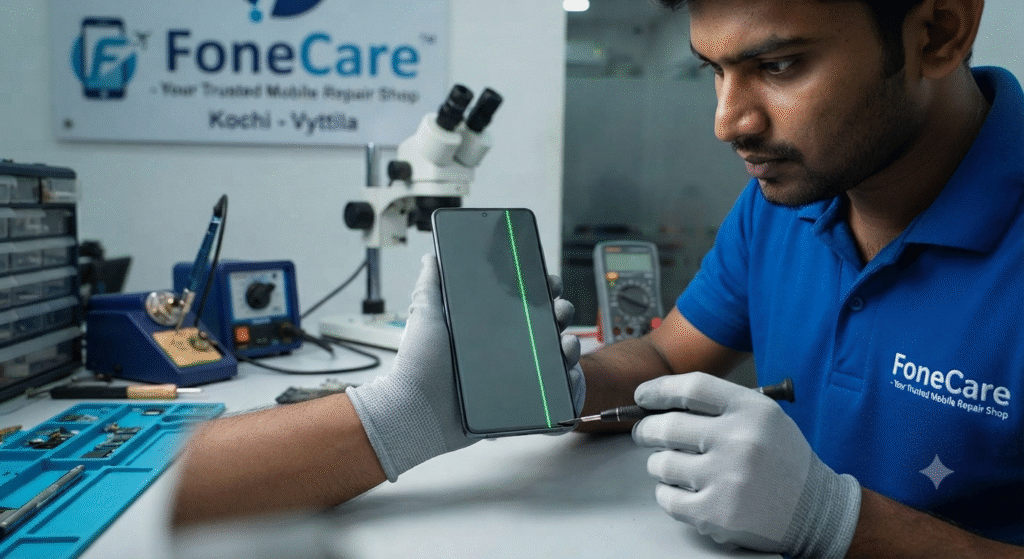
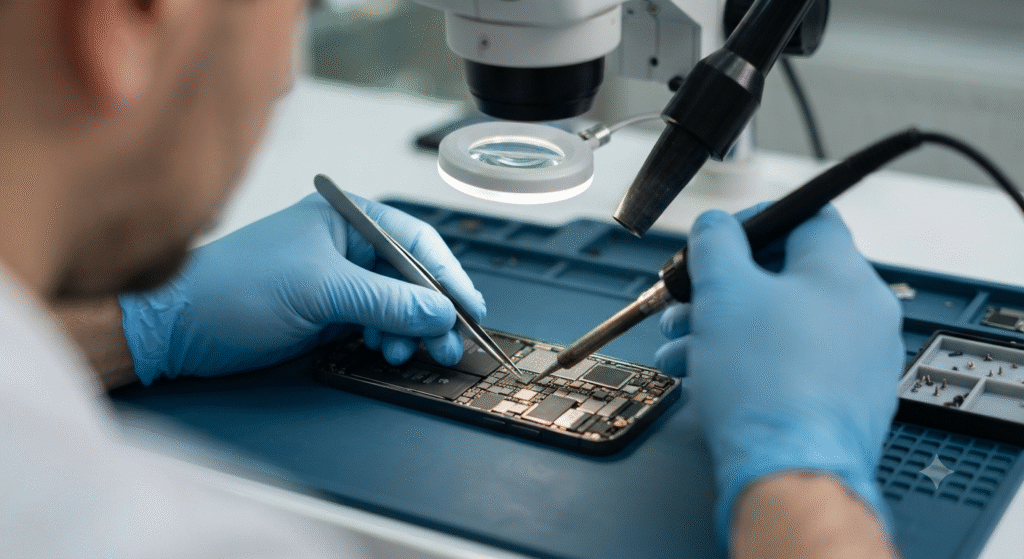
Beyond the Surface: Why Expert Chip-Level Mobile Repair is the Smartest Choice for Your Smartphone in Kochi Book your service NOW Smartphones have evolved from simple communication tools into the epicenter of our daily lives. From managing corporate finances and remote work to preserving treasured family memories through high-resolution photography, our devices hold immense value. However, modern smartphones are complex engineering marvels packed with delicate micro-components. When a device malfunctions—whether it is a sudden display blackout, a draining battery, or severe water damage—the instinct is often panic. For residents across Ernakulam looking for a dependable mobile repair service in Kochi, understanding the difference between quick surface-level fixes and deep component-level expertise can save you thousands of rupees and extend your phone’s lifespan significantly. At FoneCare, located in the heart of Vyttila, specialized chip-level engineering brings new life to devices that others write off as completely unfixable. The Evolution of Mobile Architecture: Why DIY and Generic Fixes Fall Short Smartphone manufacturing has shifted toward ultra-slim designs where processors, memory chips, and power management integrated circuits (PMICs) are tightly packed onto a single logic board. When a phone refuses to turn on or experiences continuous boot loops, replacing the entire motherboard is what authorized brand service centers typically recommend—often at a cost that rivals purchasing a brand-new phone. However, advanced diagnostic equipment and steady hands allow professional technicians to isolate the exact micro-component causing the short circuit. Precision Diagnostics: Instead of blind part replacements, specialists trace electrical currents across the circuit board. Cost Efficiency: Repairing or re-balling an individual micro-chip costs a fraction of a full motherboard replacement. Data Preservation: Component-level work often keeps the storage memory intact, giving technicians a higher chance of recovering critical personal data during emergency recoveries. For more details on our specialized capabilities, check out our core services outlined on the FoneCare Homepage. Common Smartphone Vulnerabilities in Tropical Climates Kochi’s unique tropical climate introduces specific hazards for electronic hardware. High humidity, sudden monsoon downpours, and accidental splashes at coastal spots can wreak havoc on sensitive internal electronics. 1. Water Damage and Liquid Incursion When water enters a phone, it mixes with residual dust to form a conductive layer that causes immediate short circuits. Rice tricks and quick blow-drying rarely solve the core issue; mineral deposits continue to corrode solder joints beneath the shielding plates. Immediate professional ultrasonic cleaning and board-level washing are vital. Learn more about our specialized handling on our Water Damage Restoration page. 2. Battery Degradation and Charging Port Failure Lithium-ion batteries degrade over time, leading to unexpected shutdowns and swollen cells that risk damaging the display panel. Similarly, pocket lint and aggressive plugging cause physical wear on Type-C and Lightning ports. Routine check-ups can prevent catastrophic power failures. The FoneCare Advantage: Convenience Meets Technical Mastery Navigating heavy traffic in Ernakulam to visit a repair workshop can disrupt an entire workday. FoneCare bridges the gap between top-tier technical proficiency and absolute customer convenience through dedicated service structures: Independent Expertise: As an independent multi-brand service center, we aren’t bound by rigid manufacturer replacement protocols. We service Apple iPhones, Samsung Galaxy devices, OnePlus, Realme, Oppo, Vivo, and Xiaomi with equal mastery. Pickup and Delivery Network: No time to visit our Vyttila hub? We offer seamless pickup and delivery across Kochi, ensuring your device is safely collected, repaired, and returned without you having to step out. Transparent Diagnostics: Every device undergoes a thorough, risk-free checkup with upfront pricing before any wrench touches your hardware. If you are curious about what other topics and tech insights we share, feel free to browse our latest updates on the FoneCare Blogs Hub. Frequently Asked Questions (FAQ) Q1: How long does a standard screen replacement or battery change take? Most common repairs, such as display replacements and battery swaps, are completed on the same day—often within a few hours, depending on parts availability and device model complexity. Q2: Do you use original parts for repairs? Yes, we source high-grade, premium components that match or exceed OEM specifications to ensure seamless touch sensitivity, color accuracy, and long-term battery health. Q3: Is my data safe during chip-level motherboard repairs? While data safety cannot be explicitly guaranteed during severe electrical failures, our primary goal during chip-level diagnostics is to preserve your data integrity whenever the storage memory remains functional. Q4: How does the pickup and delivery service work in Kochi? You can contact us via phone or WhatsApp to schedule a pickup. Our logistics partner will collect your device from your home or office in Kochi, bring it to our Vyttila lab for repairs, and deliver it back safely. Conclusion Your smartphone is a vital investment that deserves expert care rather than hasty replacements. Whether you are dealing with a shattered iPhone display or a complex logic board short on an Android flagship, trusting experienced technicians ensures longevity and peak performance. Skip the inflated manufacturer costs and experience transparent, efficient, and professional device restoration right here in Kochi. Contact Details & Location Business Name: FoneCare Mobile Services Address: Koduveli Building, 53/3608 Subhash Chandra Bose Road, Vyttila, Kochi, Kerala 682019 Phone / WhatsApp: +91 90374 45533 Working Hours: Monday to Sunday – 9:00 AM to 9:00 PM Website: https://fonecaremobileservices.in/ How long does a typical phone repair take? Most repairs take 24-48 hours. Simple fixes like screen replacement or battery change can often be done same-day. Complex motherboard repairs might take 3-5 days. FoneCare prioritizes quick turnaround without compromising quality. Will my repair void my phone’s warranty? This depends on your phone’s warranty terms. Original manufacturer warranties typically void when non-authorized service is performed. However, FoneCare provides its own repair warranty (30-90 days depending on service), giving you protection and confidence in our work. How much does a typical phone repair cost? Costs vary greatly depending on the issue and device model. Screen replacements typically range from ₹3,000-8,000, battery replacements ₹1,500-3,000, and motherboard repairs ₹5,000-15,000+. FoneCare offers free diagnostics and transparent pricing before any work begins. Can you repair water-damaged phones? Yes, water