Screen Broken but Touch Works – Repair or Replace at FoneCare?
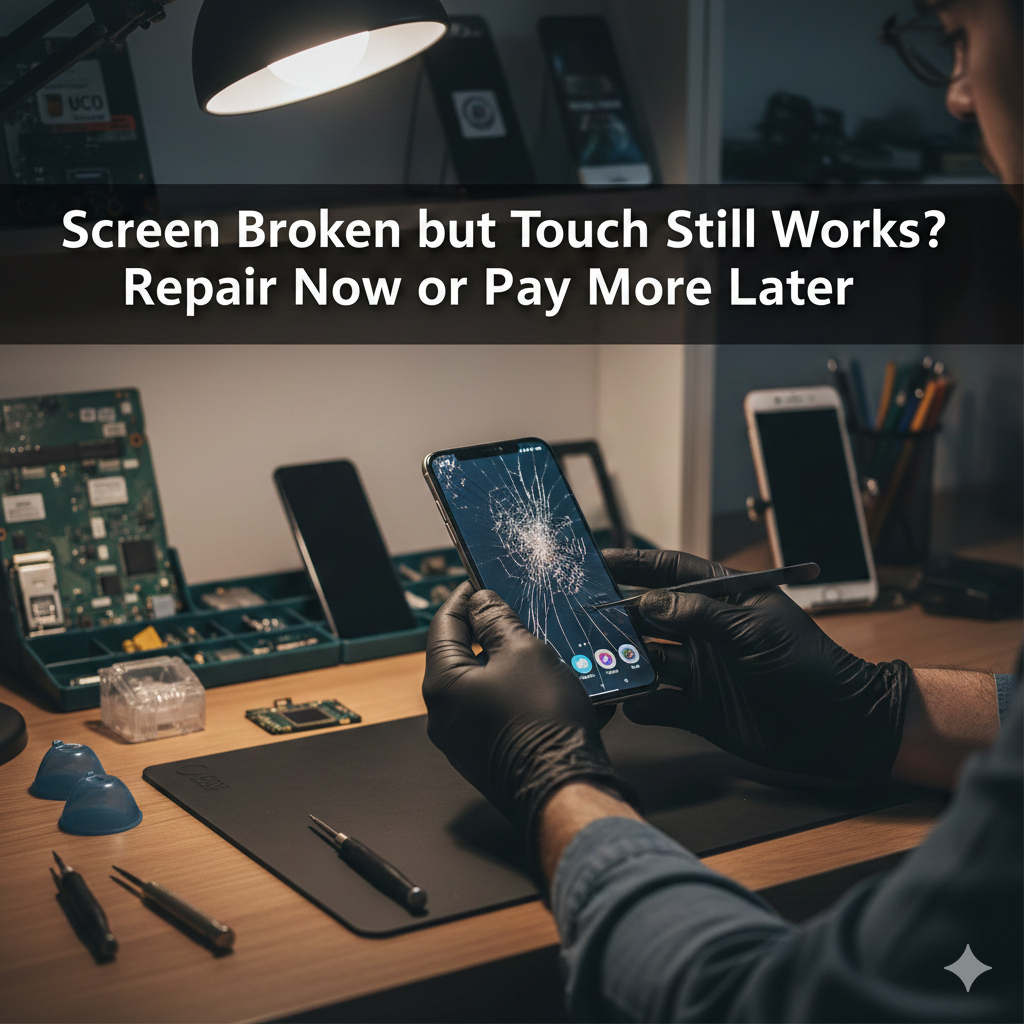
Screen Broken but Touch Works – Repair or Replace at FoneCare? A cracked screen with working touch confuses most users. At FoneCare, this is one of the most common mobile repair questions we handle daily in Kochi. Many assume the phone is still fine and delay repair. That decision often makes the problem worse and more expensive. Here is the straight answer, based on real repair cases at FoneCare in Kochi. What It Actually Means When Touch Still Works If touch works, the digitizer layer is functioning. The glass or display layer is damaged. That does not mean the phone is safe to use. Modern displays are layered units: Outer glass for protection Display panel (LCD or OLED) Touch digitizer Once the glass cracks, pressure, dust, or moisture can damage the display panel next. That turns a simple repair into a full replacement. When You Should Repair Immediately Repair the screen without delay if you notice any of the following: Sharp glass edges Black spots or lines appearing Flickering or dim display Screen heating faster than usual Moisture or dust entering through cracks Delaying repairs here is not saving money. It is gambling with the motherboard and internal components. When Replacement Is the Smarter Choice Replacement is recommended when: Display has dead pixels or discoloration OLED bleed or green lines are visible Touch starts failing intermittently The phone has already been repaired before In these cases, partial fixes do not last. Full display replacement gives stability and resale value. Repair vs Replace – Cost Reality Many users delay repair thinking replacement is expensive. The truth: Early repair costs less Continued use increases damage Secondary failures raise total cost At FoneCare, we inspect the screen layers first. If repair is technically safe, we suggest it. If replacement is unavoidable, we explain why. No guesswork, no upselling. Risks of Using a Cracked Screen Ignoring a broken screen leads to: Touch failure over time Display blackout Battery drain due to short circuits Injury from broken glass Permanent motherboard damage We regularly see phones that could have been fixed cheaply but ended up needing chip-level repair. Original vs Compatible Displays – What Matters A cheaper display is not always a bad choice, but quality matters. At FoneCare, we offer: Original displays for maximum clarity High-quality compatible displays tested in-house We do not install low-grade panels that ruin brightness, touch response, or battery life. Our Honest Recommendation If your screen is cracked but touch works: Do not ignore it Get it inspected immediately Decide based on internal damage, not assumptions Most inspections take a few minutes. Many repairs are completed within 30 minutes. Get Your Screen Checked at FoneCare Mobile Service Center FoneCare is a trusted mobile servicing center in Vyttila, Kochi. We handle iPhone and Android screen repairs, replacements, and chip-level issues under one roof. 📍 Location: Vyttila, Kochi 📞 WhatsApp: 919037445533 🌐 Website: fonecaremobileservices.in If the screen is broken, waiting is the worst decision. Get it checked before the damage spreads.
Screen Broken but Touch Works – Repair or Replace at FoneCare? Read More »