mobile repair Kochi

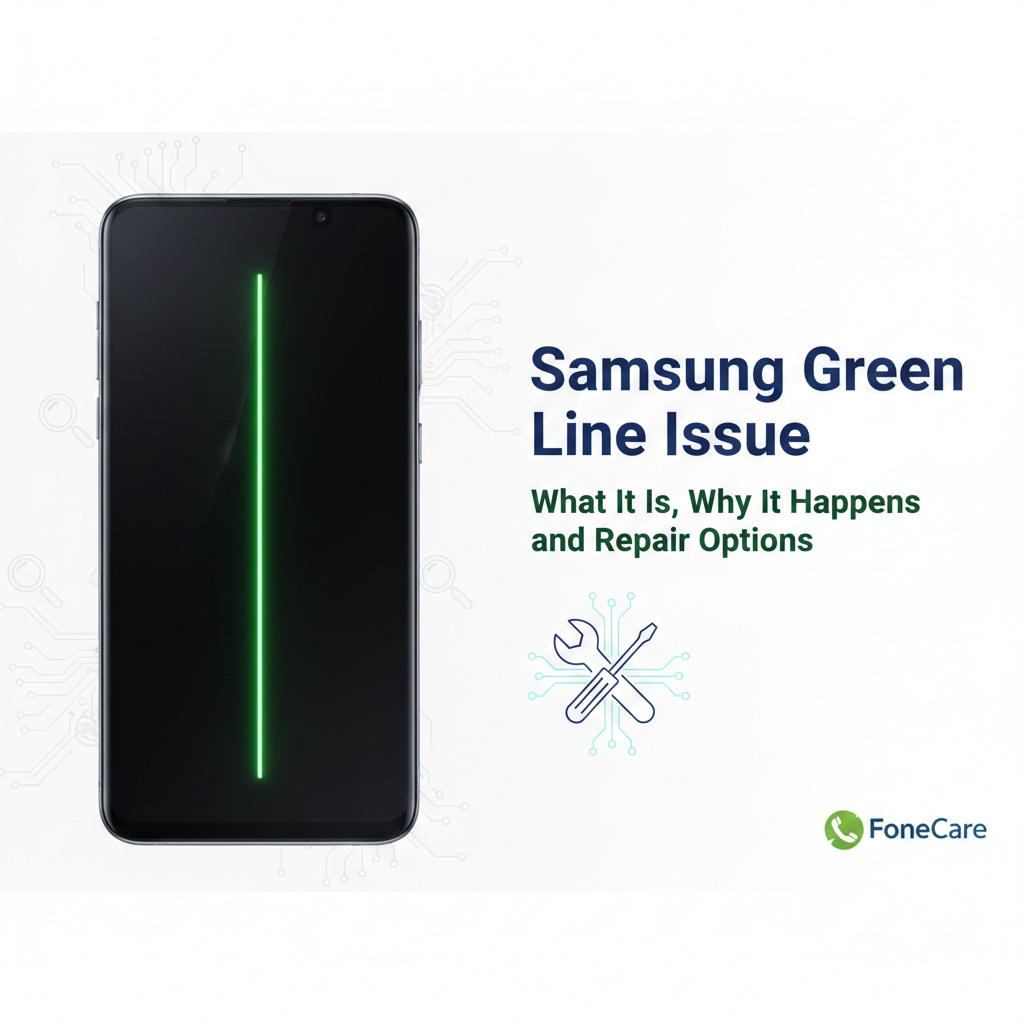
Samsung Green Line Issue: What It Is, Why It Happens, and Repair Options

Samsung Green Line Issue: What It Is, Why It Happens, and Repair Options If you’re reading this because a green vertical line appeared on your Samsung phone screen, you’re not alone. This problem has affected multiple Galaxy models and it’s frustrating because it usually means something hardware-related is broken inside the display. In Kochi and across India, many Samsung users have reported this and sought repairs at official and independent centers including FoneCare  Kochi, Samsung repair Kochi, and Samsung service center Kochi. What the Green Line Looks Like The “green line issue” shows up as a thin, vertical green stripe running from the top to the bottom of the display. Sometimes it can be pink or white, but green is the most reported color on Samsung phones with AMOLED screens. Android Authority It’s visible all the time, under all apps and backgrounds once it becomes a hardware fault.    Why the Green Line Appears People sometimes assume this is a software bug, but most evidence points to hardware failure in the display assembly. 1. Display Driver and Pixel Control Malfunction The AMOLED screen has a tiny Display Driver IC (DDIC) that controls columns of pixels. If this chip fails, that entire column can get stuck on a solid color (often green). Faulty pixel addressing inside the panel is the most widely accepted technical cause. TechCartel 2. Connector or Cable Damage Inside every Samsung phone, a flexible ribbon cable (FPC) connects the screen to the motherboard. Small impacts, minor drops, heat expansion, or pressure over time can damage this connector. If the connection weakens, the pixel data doesn’t reach part of the screen correctly, and you see vertical lines. Bengalnest 3. Software Update as a Trigger, Not the Root Cause Many users report the line appearing after a major update. That doesn’t mean the software directly caused the hardware to fail, but heat or changed driver behavior during the update process can expose a latent hardware weakness. Android Authority+1 4. Panel Aging, Heat and Environmental Stress AMOLED displays degrade with use. High brightness, constant gaming, frequent fast charging, and ambient temperature swings accelerate pixel degradation and solder joint stress. Over time this triggers visible faults like green lines. PMSLTech Guide 5. Manufacturing Defects Some batches of Galaxy screens are simply more prone to early failure. Samsung publicly acknowledged green line problems with certain S20, Note20, and S21 devices in India and offered one-time screen replacements to affected customers. Common Misunderstandings Software fixes don’t reliably solve it. Restarting, safe mode, or even resetting can rule out software causes but won’t remove the hardware line. Android Authority DIY fixes and tricks are ineffective and risky. Advice like heating the phone with a flame or applying pressure has no scientific backing and can damage batteries or worsen the failure. Android Authority How to Diagnose Before You Repair Restart and Safe Mode If the line stays after a restart and in safe mode, it’s almost certainly hardware.  Screen Test and External Display Some built-in diagnostics (or connecting to an external monitor) can help confirm the hardware fault.  Check for Recent Drops or Pressure Even if you don’t see cracks, bending or impacts can damage the screen connector.  Repair Options Explained 1. Visit an Official Samsung Service Center If your phone is within the Samsung support program for green line issues, you may get a free display replacement or good-will fix, even if it’s out of warranty. This was widely offered in India for select models, so always check with your Samsung service center Kochi first. Use the Samsung Members app or Samsung’s official site to book an appointment. A service center can also check if your device qualifies under any extended program. 2. Full Display Replacement This is the most common, permanent fix when the panel or DDIC is damaged. It involves replacing the entire screen assembly. This is the recommended repair when the green line persists after software checks. 3. Connector Reseat or Board-Level Inspection Experienced technicians (like those at FoneCare Kochi) can open the device, inspect the display connector, and reseat or clean it. In some cases this resolves the line if the panel itself is fine. 4. Board-Level Repair If the mainboard or data path ICs are faulty, display replacement alone won’t help. Board-level micro-soldering may be needed. This is more complex and only worth it on higher-value devices. Why Choosing the Right Repair Matters Cheap, low-quality screen replacements often use inferior AMOLED panels with poor color accuracy, low brightness, and limited lifespan. Trust a reputable repair provider like Fone Care or an authorized Samsung repair Kochi location to ensure you get genuine parts and professional service. At FoneCare in Kochi we diagnose display issues accurately, confirm whether it’s a connector fault or panel failure, and advise the most cost-effective repair path. If the connector can be fixed without a full screen change, that’s often cheaper. If the panel is bad, we replace it with a high-quality original part and calibrate it properly. Cost and Turnaround (Realistic) Costs vary by model and warranty status. Flagship Galaxy screens cost more to replace. Independent shops may be cheaper, but quality matters. Official Samsung repair Kochi may be pricier but gives assurance of genuine parts. Turnaround can be same-day or several days depending on part availability. Final Take The green line isn’t a harmless software glitch. Most of the time it means hardware damage inside the AMOLED panel or its connection, and it won’t go away on its own. A professional repair at Fone Care Kochi or Samsung service center Kochi is the only reliable way to fix it permanently. Before you spend money, do these two quick checks: Restart and use safe mode to rule out software triggers.  Photograph the issue to document it for service center claims.  Once it’s confirmed hardware, don’t delay repairs or the fault can spread, potentially leading to larger display failure.  

Samsung Green Line Issue: What It Is, Why It Happens, and Repair Options Read More »

How Some Mobile Shops Misuse Customer Data and Why FoneCare Protects You Better

How Some Mobile Shops Misuse Customer Data and Why FoneCare Protects You Better When people visit a mobile repair shop, they usually focus on price, speed, and spare parts. The real danger sits in the background, technicians with full access to your personal data. In Kochi, many low-cost repair shops quietly explore photos, chats, passwords, and stored files while working on a device. Customers never notice until their information leaks or spam calls explode. This is exactly why FoneCare  spends more effort on privacy than most shops spend on repairing phones. How Data Gets Misused in Local Mobile Shops Most unauthorized or careless shops follow the same pattern, no supervision and no rules. That creates easy openings for technicians to dig into private data. 1. Gallery Browsing Technicians copy private photos and videos because the gallery is the easiest entry point. 2. Reading WhatsApp and Other Apps If the phone is unlocked, they view chats, OTPs, saved passwords, banking notifications, and confidential messages. 3. Exporting Contacts Some shops sell customer phonebooks to telemarketing agents. That is why spam calls start immediately after “cheap repairs”. 4. Keeping Screenshots or Backups A few technicians take screenshots of sensitive screens or keep unauthorized backups on personal devices. None of this is accidental. It happens because there is no accountability inside those shops. Why Cheap Repair Shops Are the Highest Risk Shops that sell “lowest price repairs” create their margins by cutting corners: no CCTV • no repair logs • multiple technicians touching the same device • no workstation discipline • no privacy policy If your data is stolen, you have no proof and no support. FoneCare was built to solve exactly this problem. How FoneCare Protects Your Data FoneCare works with a controlled workflow. The process protects the device and the customer equally. 1. Zero-Access Data Policy Technicians do not explore apps or files. Only essential functions for testing are open. Anything else is strictly banned. 2. Passcode-Free Repairs Whenever Possible If the repair allows it, FoneCare completes the job without your phone unlock code. That removes the biggest privacy risk. 3. Secure and Monitored Workstations Every device stays at an assigned desk. No personal laptops. No shared handling. No unauthorized connections. 4. No Backups Without Customer Approval FoneCare never copies or transfers your files unless you request official data recovery. 5. One Device, One Technician You always know exactly who handled your phone. There is no passing around or “team touching” your device. 6. Professional Standards FoneCare treats privacy as part of the service. Any technician breaking protocol is removed immediately. No exceptions. This is why FoneCare has built strong trust in Kochi and Vyttila, especially among customers who handle business data, personal photos, or sensitive information. Simple Steps Customers Should Follow Before Any Repair These habits reduce your risk even further: remove private photos if possible • log out from banking apps • avoid giving the passcode unless required • create a full backup • note the IMEI for safety Even with FoneCare’s strict workflow, these steps give you an extra layer of control. Why FoneCare  Is the Safer Choice Most mobile shops in Kochi treat your device like a spare part. FoneCare treats it like personal property that requires respect and security. The difference is in the process, not the promises.

How Some Mobile Shops Misuse Customer Data and Why FoneCare Protects You Better Read More »

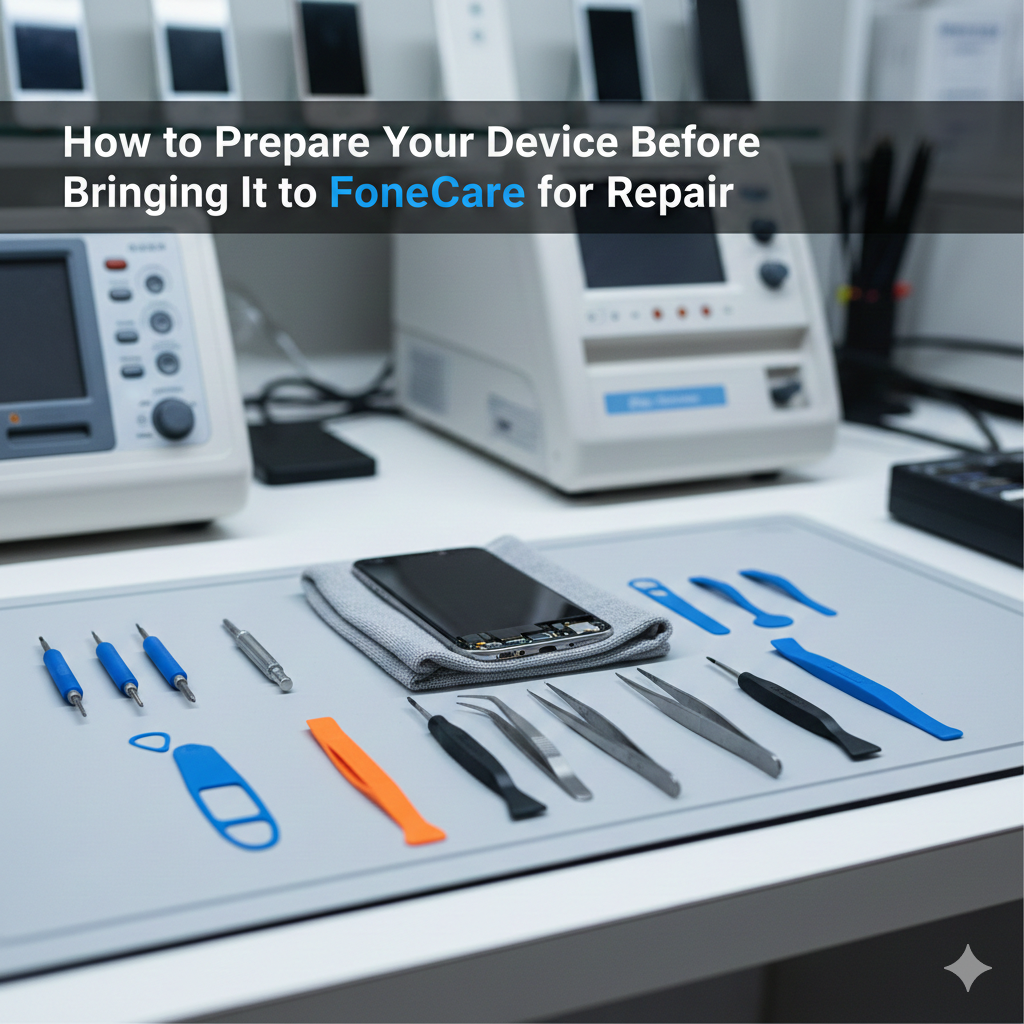
How to Prepare Your Device Before Bringing It to FoneCare for Repair

How to Prepare Your Device Before Bringing It to FoneCare for Repair Customers often walk into FoneCare  with a damaged phone expecting an instant fix. We can usually deliver that, but the repair becomes faster and safer when the device arrives properly prepared. Most delays start with locked accounts, missing details, or accessories that block inspection. A little preparation on your side helps our technicians diagnose the issue accurately and complete the job without avoidable interruptions. The first thing you should do is secure your data. Even though FoneCare  handles devices carefully, a phone with deep hardware faults can reset or malfunction during testing. Back up your photos, contacts, and files to iCloud, Google Drive, or a computer. If the phone is dead or stuck on the logo, skip the backup and simply tell us so we know what we are dealing with. Removing cases, covers, and screen guards is more important than people think. These accessories hide frame bends, dents, and cracks and often break when removed in a hurry. When the device arrives bare, we can inspect it immediately and start diagnostics without wasting time. If the phone can turn on, charge it to at least twenty or thirty percent. It helps us test sound, touch, network, and battery behaviour without waiting for a charge. Signing out of your major accounts, such as iCloud, Google, and Samsung, prevents activation lock issues later. If the repair requires a reset or software check, these locks can block progress. Disable your screen lock or set a temporary PIN as well. We need access to test cameras, sensors, apps, and basic functions after the repair. A locked device slows the entire process. Remove your SIM and memory card before you leave home. These small components are easy to misplace, and keeping them with you is safer. Take a moment to write down the exact problem you are facing. Customers often forget smaller details once they reach the shop, like when the issue started, how often it appears, or what triggers it. This information helps us diagnose the fault quickly instead of guessing. A basic cleaning helps too. Wiping off dust, moisture, or stains makes cracks, dents, and water marks easier to identify. It avoids confusion later about what was old damage and what was new. If your device is still under warranty, bring the bill or warranty card so we can check eligibility immediately. Preparing your phone before you bring it to FoneCare saves time for both sides. It reduces confusion, avoids delays, and helps us deliver accurate repairs faster. A few minutes of preparation at home can turn a difficult repair into a smooth one. If you need help at any stage, our team at FoneCare, Vyttila, Kochi, is always ready to guide you.

How to Prepare Your Device Before Bringing It to FoneCare for Repair Read More »